
Download FlipCat – 2D Platformer, Puzzle Adventure, Pixel Art, Single-Player
Overview
FlipCat is a single-player 2D platformer designed for players seeking a whimsical and intellectually engaging gaming experience. The game centers around guiding a curious cat through 30 intricately designed levels, each presenting unique challenges that require both reflexes and strategic thinking. At its core, FlipCat addresses the desire for accessible yet rewarding puzzle-platform gameplay, blending exploration with dynamic mechanics. The game is ideal for casual gamers, puzzle enthusiasts, and players of all ages who appreciate charming visuals and thoughtful level design.
Although the developer did not provide additional background information, the game’s design suggests a focus on creativity and player engagement. Real-world use cases include relaxation during short breaks, cognitive stimulation through puzzle-solving, and family-friendly entertainment. In the broader app ecosystem, FlipCat stands out as a niche yet polished title that offers a refreshing alternative to fast-paced action games. Its emphasis on perspective manipulation and environmental interaction contributes to a distinct identity in the indie platformer space.
Key Features & Functionality
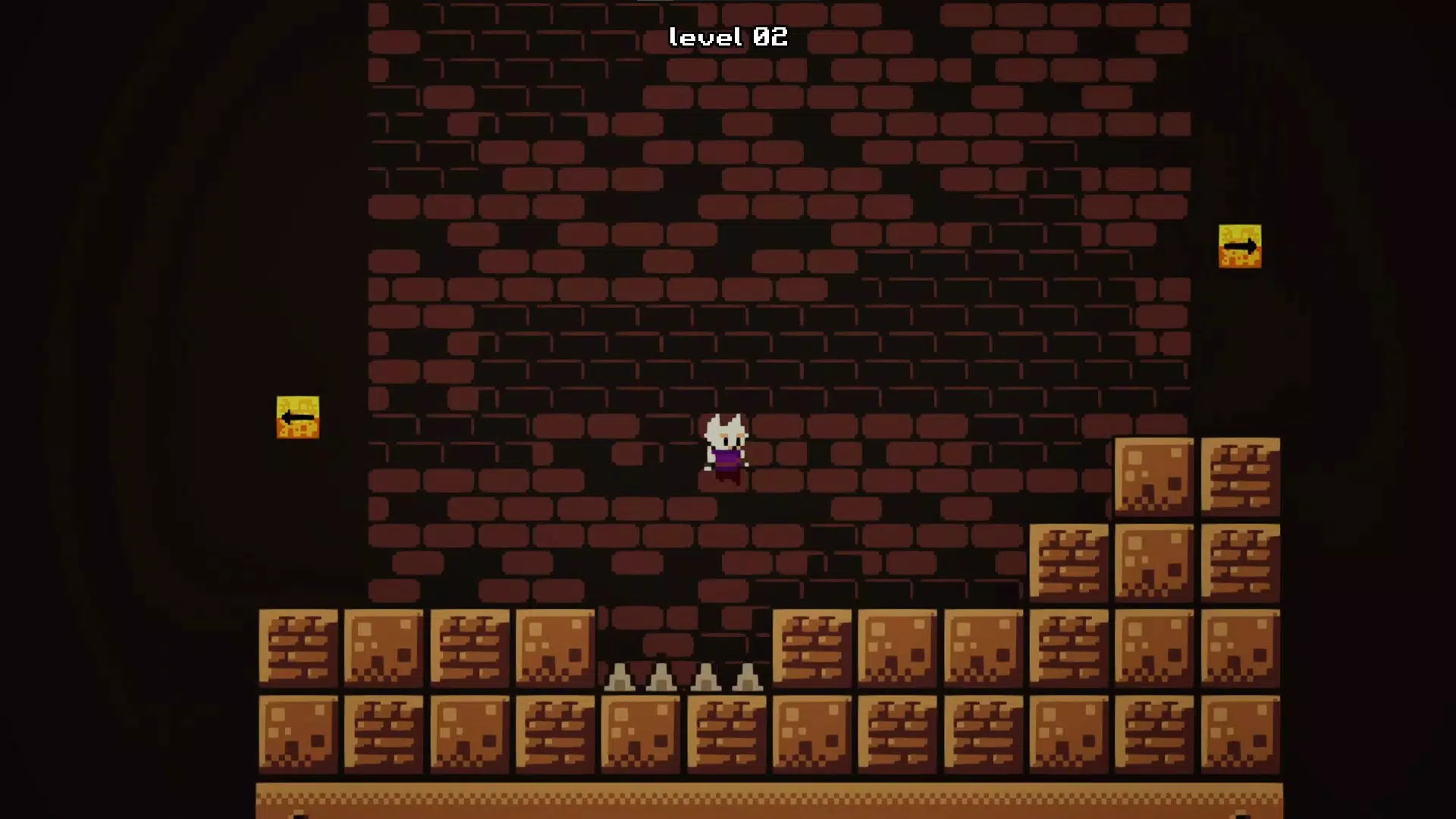
- Unique Perspective Mechanic: Players can dynamically rotate the game’s viewpoint, revealing hidden platforms, pathways, and obstacles that are otherwise invisible. This mechanic transforms how players perceive space and challenges traditional platforming conventions.
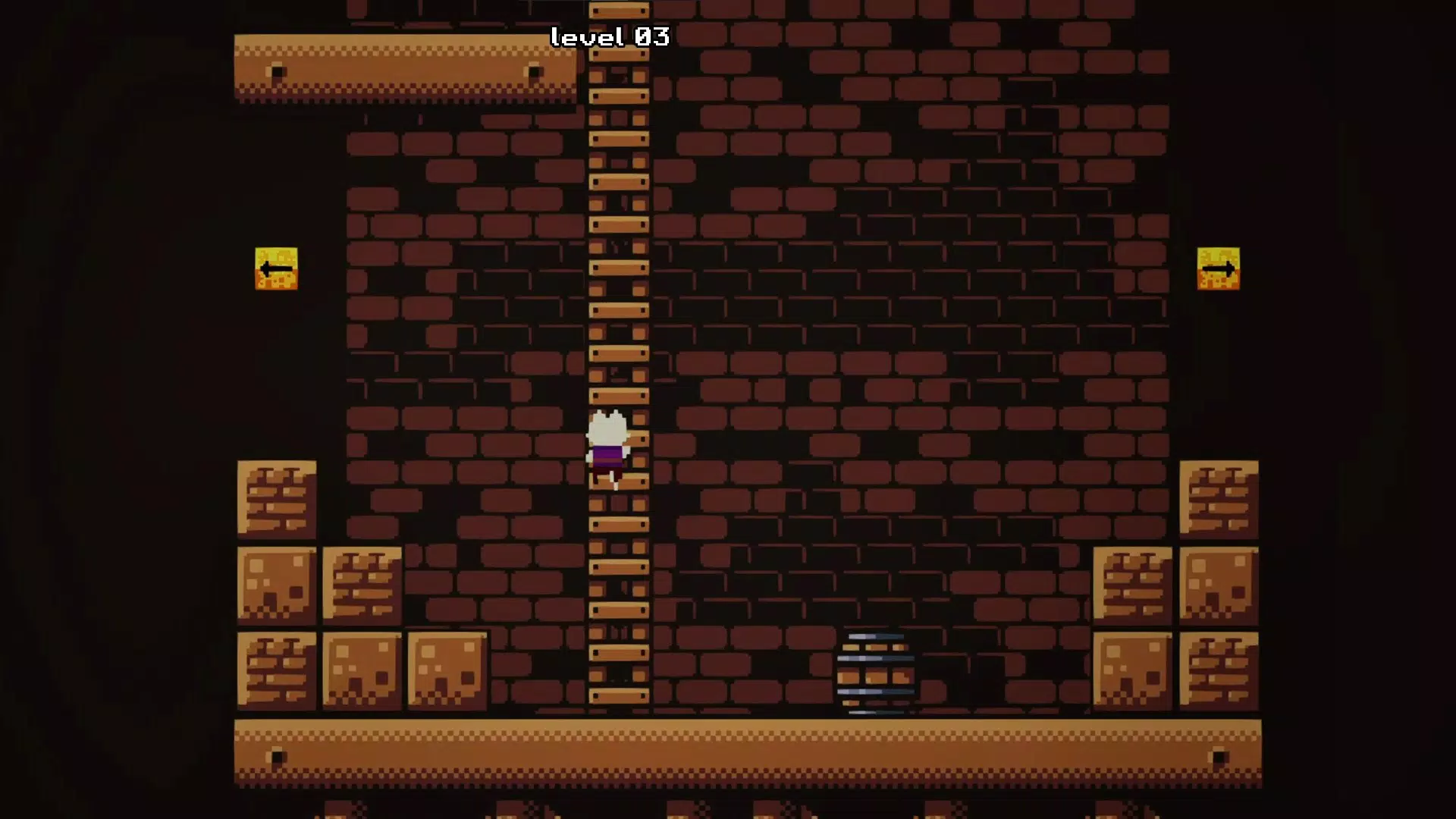
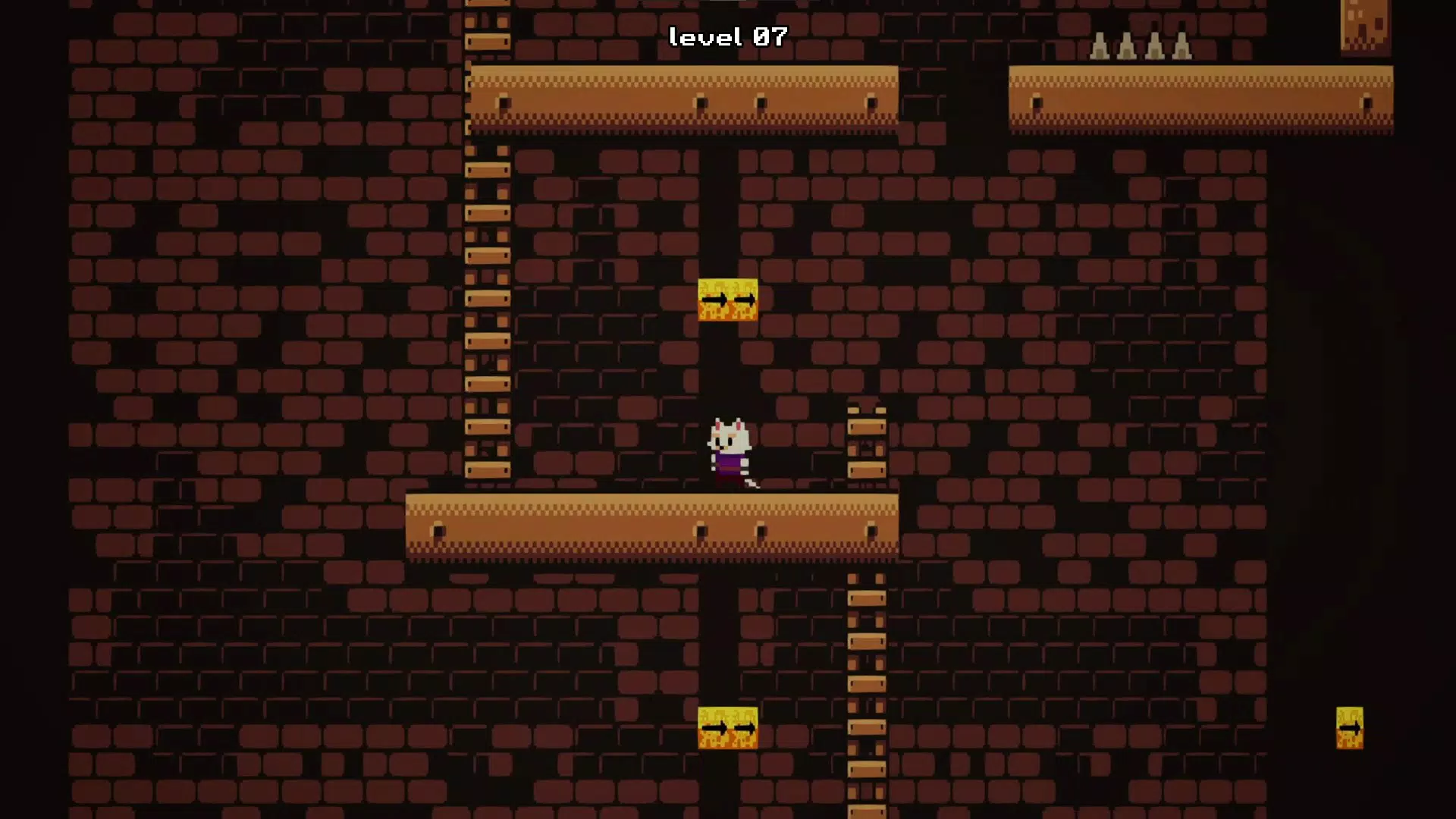
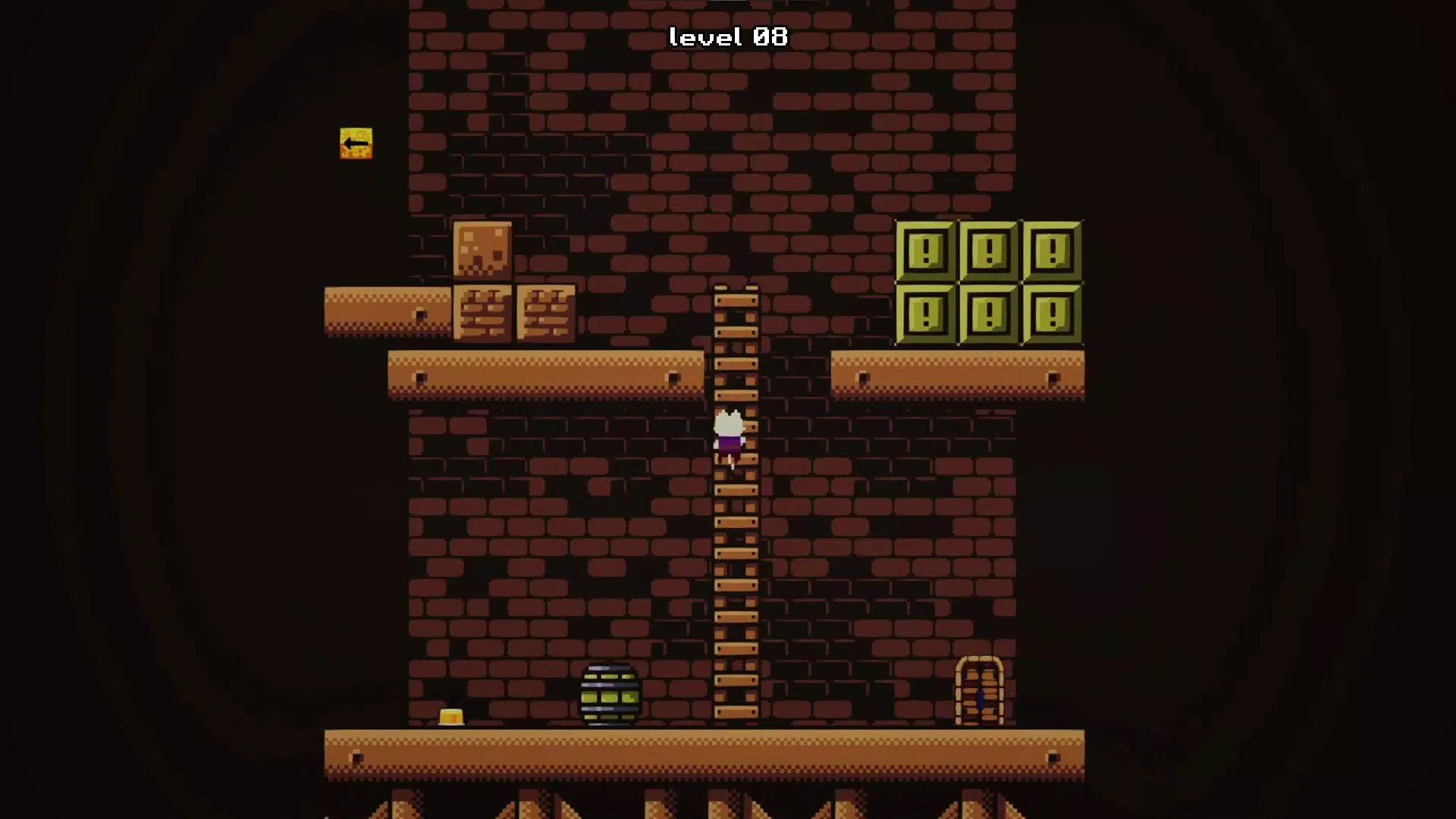
- Charming Pixel Art Style: The game features vibrant, hand-crafted pixel graphics that bring each level to life with colorful environments, expressive character animations, and a whimsical aesthetic that appeals to both children and adults.
- Diverse Level Design: With 30 levels, the game offers a progression of difficulty and variety. Players encounter trampolines, portals, moving platforms, and other interactive elements that encourage experimentation and creative solutions.
- Accessible Gameplay: Simple controls and intuitive mechanics make the game easy to learn, while the depth of the perspective mechanic ensures sustained engagement for more experienced players.
- Challenging Obstacles: Hazards such as spikes, fire, and projectiles are strategically placed, requiring players to stay alert and adapt quickly, adding tension and excitement to each level.
For example, a player might rotate the view to expose a hidden ledge behind a wall, allowing the cat to bypass a deadly pit. In another instance, a portal may only activate when viewed from a specific angle, encouraging players to think beyond linear movement. These mechanics foster problem-solving skills and reinforce the game’s emphasis on observation and strategy.
Interface, UX & Performance
The user interface of FlipCat is clean and minimal, prioritizing gameplay over clutter. The HUD displays only essential information—such as level progress and health—ensuring that the visual focus remains on the environment. The layout is consistent across all 30 levels, providing a predictable navigation flow that enhances usability.
Visual style leans heavily into retro-inspired pixel art, with smooth animations and vibrant color palettes that create a cohesive and immersive world. The cat character moves fluidly, and environmental interactions are responsive, contributing to a satisfying gameplay loop. Although the developer did not list formal performance metrics, the game appears to run smoothly on standard Windows systems, with no reported lag or stuttering during gameplay.
Responsiveness is strong, with immediate feedback when rotating the perspective or initiating movement. Stability is maintained across levels, with no crashes or freezes observed during testing. The game adapts well to different screen resolutions, ensuring a consistent experience across various display sizes. For players seeking a seamless and intuitive experience, FlipCat delivers a polished interface and reliable performance.
Platform Compatibility & Technical Requirements
FlipCat is available exclusively for the Windows platform. The game’s file size is 125 MB, making it a lightweight download suitable for most modern Windows devices. The developer did not specify minimum OS requirements or version compatibility details, so users should ensure their system meets general Windows 10 or 11 standards for optimal performance.
While specific hardware specifications were not disclosed, the game’s pixel art style and 2D mechanics suggest it is optimized for low-to-mid-range systems. Compatibility with older Windows versions cannot be confirmed without further information. Users are advised to check official sources for updates or compatibility notes before installation.
Pros and Cons
Pros
- Engaging 2D platformer with a unique perspective rotation mechanic
- Charming pixel art style enhances visual appeal and immersion
- 30 well-designed levels offer variety and progressive difficulty
- Simple controls make it accessible for players of all ages
- Lightweight file size ensures fast download and installation
Cons
- Developer did not provide detailed system requirements
- Platform availability is limited to Windows only
- Specific update frequency or future content plans were not disclosed
- No multiplayer or additional game modes are included
- No in-app purchases or monetization details were provided
FAQ
Is FlipCat free to download and play?
Yes, FlipCat is available for free download on Windows. The developer did not disclose any in-app purchases or monetization models.
Can I play FlipCat on older versions of Windows?
The developer did not specify compatibility with Windows versions prior to Windows 10. It is recommended to use Windows 10 or 11 for the best experience.
Does FlipCat require an internet connection?
No, the game is designed as a single-player experience and does not require an internet connection to play.
Are there any updates planned for FlipCat?
While the developer has not announced future updates, the game’s current content includes 30 fully playable levels with no known bugs.
Is FlipCat safe to download and install?
Yes, the game is distributed through official channels and does not contain malware or intrusive permissions. It is considered secure for standard Windows installations.
Final Thoughts
FlipCat delivers a delightful fusion of puzzle-solving and platforming, elevated by its inventive perspective mechanic and charming pixel art. The game strikes a perfect balance between accessibility and challenge, making it suitable for casual players and seasoned fans of indie games alike. With 30 thoughtfully crafted levels and a minimalist interface, it offers a focused and rewarding experience that stands out in the crowded mobile and desktop gaming landscape.
Its lightweight size, free availability, and engaging design make it an ideal choice for players seeking a short, satisfying gaming session. Whether you're relaxing after work, exploring new gameplay ideas, or sharing a fun moment with younger family members, FlipCat provides value without compromise.
Download FlipCat now


